
OMNICRAFT / CREATIVE TOOLKIT
Create, enhance, search, edit, inspect, and convert assets without leaving Hyper3D.
OmniCraft is Hyper3D's browser-based creative toolkit for image preparation, 3D texturing, environment creation, asset discovery, lightweight modeling, inspection, and conversion.
Open OmniCraft Workspace → · Explore Hyper3D Features →
OmniCraft turns browser-based creative tools into production-ready visual and 3D outputs.
AI Image Remix / compare generated directions, re-roll, or continue into Edit mode.
<aside>
Blend up to three reference images with a prompt, use @mentions to assign roles, or edit one image conversationally.
Best for multi-reference composition, style transfer, viewpoint changes, and creating cleaner 3D-ready references.
</aside>

AI Image Enhancer — before and after detail recovery
AI Image Enhancer / compare source and enhanced detail before downloading.
<aside>
Upscale and restore images to HD, 2K, or 4K, with controls for AI strength, similarity, dynamic range, sharpness, prompt, and seed.
Best for improving low-resolution references before image-to-3D, product visualization, and design workflows.
</aside>

AI Texture Generator / texture a compatible mesh from a visual reference.
<aside>
Apply new textures to compatible 3D meshes from reference images, with Gen-2.5 speed presets, PBR previews, version history, and texture output up to 12K.
Best for retexturing, material exploration, stylization, and production-ready PBR workflows.
</aside>


AI HDRI Generator — prompt and reference workflow
AI HDRI Generator / build 360° environments from text or image input.
<aside>
Generate seamless 360° environments from text or reference images, preview them interactively, then export an 8K panorama, HDR .exr, and depth map.
Best for lighting, skyboxes, environment design, XR, and world-building.
</aside>
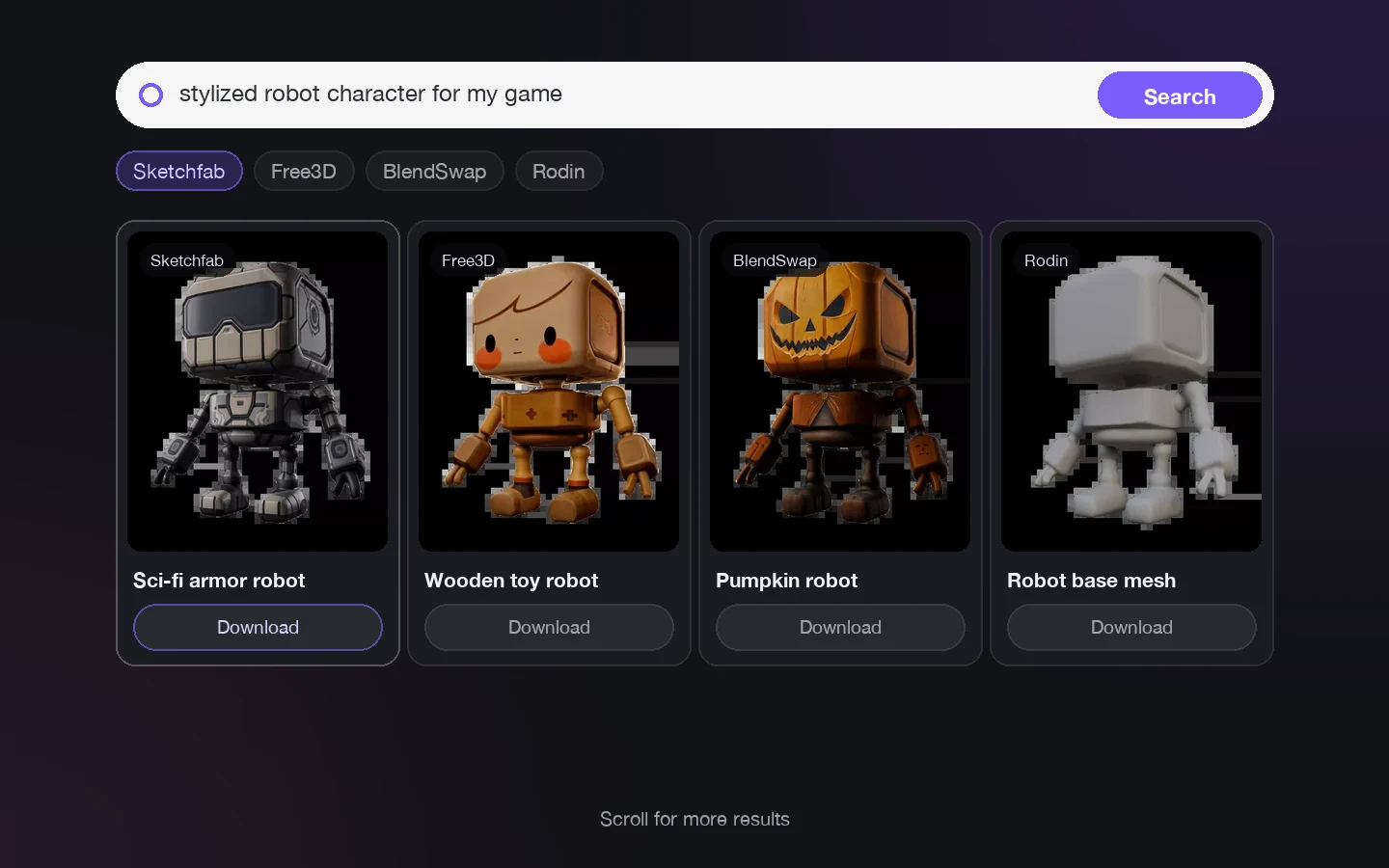
Rodin Search — 3D search results grid
Rodin Search / discover 3D assets across multiple libraries from text, image, or model input.
<aside>
Search for 3D assets using text, an image, or an existing 3D model. Preview results in the browser and continue into other OmniCraft workflows.
Best for reference gathering, asset discovery, and finding an existing model before generating from scratch.
</aside>

Vector to 3D — finished extruded SVG model
Vector to 3D / turn flat SVG artwork into an editable 3D form.
<aside>
Turn an SVG logo, icon, badge, or vector graphic into an extruded 3D model directly in the browser. Control thickness, bevel, materials, and lighting.
Export STL, GLB, GLTF, or PNG.
</aside>

3D Mesh Editor — sculpting a model in-browser
3D Mesh Editor / sculpt, paint, mask, remesh, and inspect directly in the browser.
<aside>
Sculpt, paint, mask, remesh, smooth, and optimize compatible 3D models directly in the browser.
Includes multiple sculpting tools, PBR painting, density controls, and standard 3D export.
</aside>

3D Model Viewer — browser-based model inspection
3D Model Viewer / inspect geometry, orientation, materials, and supported model formats online.
<aside>
Open and inspect 3D models in the browser before handoff or export.
Use interactive viewing modes to check geometry, materials, and visual quality without opening a full DCC application.
</aside>
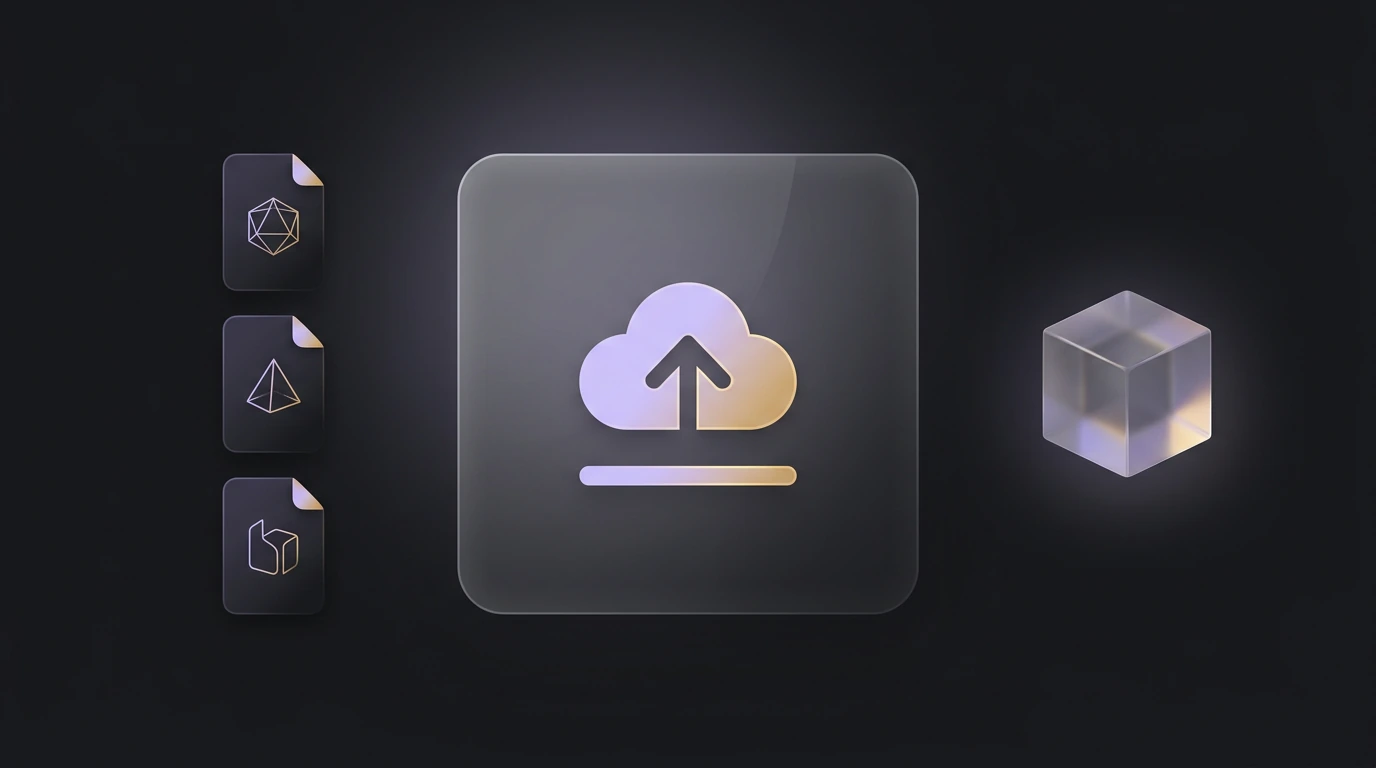
Format Converter — browser-based conversion workflow
Format Converter / move between supported 3D formats and preview the result before download.
<aside>
Convert and preview common 3D formats in the browser, including workflows around OBJ, FBX, GLB, GLTF, STL, USDZ, 3MF, PLY, and DAE.
Supported browser conversions can run locally on-device.
</aside>
<aside>
Reference → Create → Refine → Deliver
Image Remix / Enhancer → prepare stronger visual references
Rodin Search / Vector to 3D → find or create starting assets
Texture Generator / HDRI Generator → build materials and environments
Mesh Editor / Model Viewer → refine and inspect
Format Converter → deliver into the format your next workflow needs
</aside>
Tool availability, output tiers, and plan benefits can vary by feature. Open the OmniCraft workspace for the latest in-product options.